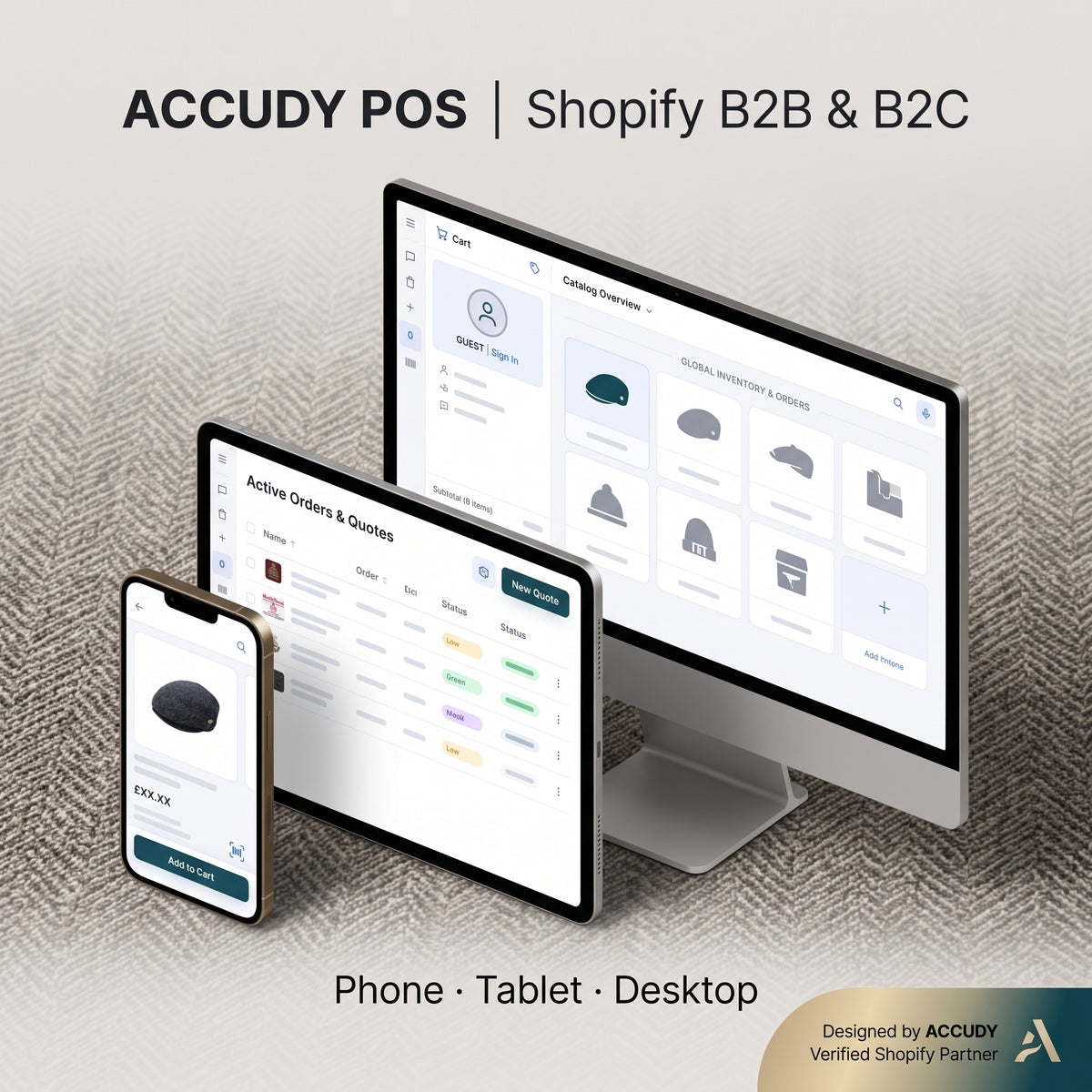
01
Scanning, any hardware
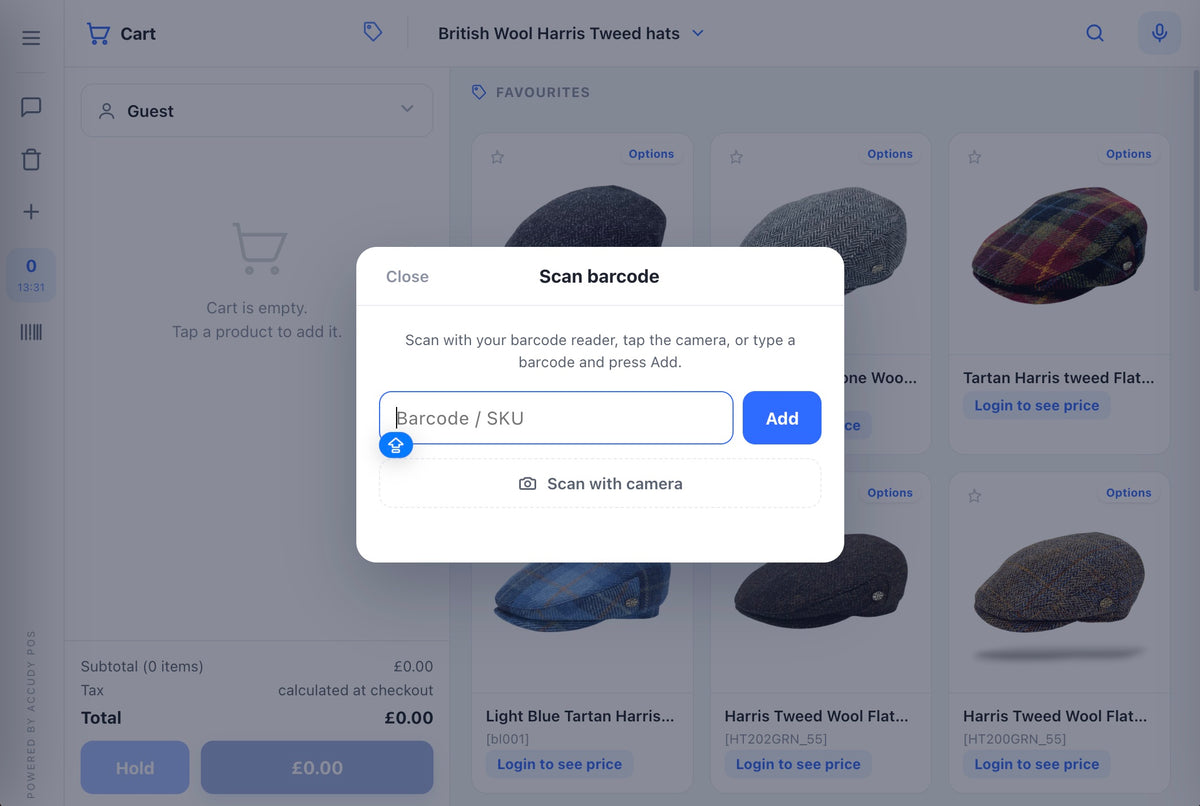
USB or Bluetooth scanner at a desk, phone camera in the stockroom, with a screen flash and a beep on every hit.
 B2B POS Dynamic Brochure Export
Released
Dynamic Brochure Export
B2B POS Advanced Filter
Released
Advanced Filter
B2B POS Click & Collect
Scheduled
Click & Collect Feature
B2B POS Dynamic Brochure Export
Released
Dynamic Brochure Export
B2B POS Advanced Filter
Released
Advanced Filter
B2B POS Click & Collect
Scheduled
Click & Collect Feature
Ready to tell us about your project? We are a Shopify Agency, who design, develop, support & grow Shopify & Shopify Plus stores.
Get in touchSearch
Shopify SEOTechnical SEO for Shopify stores Ecommerce SEOGrow your organic rankings Ecommerce AI SEOAI-powered search optimisation Ecommerce GEOGet found in AI answers Ecommerce SEO MigrationsMigrate your SEO contentLaunch
Custom Store ProjectDesign & launch a bespoke store Shopify MigrationsMigrate or replatform to Shopify Shopify App DevelopmentLaunch a Shopify app IntegrationsConnect your store to other services ACCUDY AiAgentic commerce for your store Pricing & PackagesFixed-price Shopify developmentSitelab · Helpdesk
Conversion Rate OptimisationGrowth-focused testing and strategy Support & MaintenanceTechnical support retainer AuditsDesign, technical & SEO audits InternationalisationExpand your store globally Selfcheckout B2B WEBPOSSelf-checkout B2B WEBPOSRetain
Email & SMS MarketingRetain more customers online Klaviyo AgencyKlaviyo flows and campaigns B2BSell B2B with Shopify SubscriptionsMaximise recurring revenueSelfcheckout B2B WEBPOS turns your Shopify storefront into a full self-service trade counter. Your customer scans their own shelf, pastes their own order and pays their own way — while your trade terms enforce themselves, unattended. Runs entirely in the theme. No app required.
[price], yours to keep · 2 years of updates · lifetime updates [price-lifetime] · 30 days free support · real deployable Shopify Liquid theme
They walk their own stockroom with a phone camera or a Bluetooth scanner and scan what's running low. Each scan lands straight in the cart.
SKUs or barcodes, one per line, quantities after a comma, space or x. Or upload the whole spreadsheet. Every line is validated before it enters the cart.
One tap refills the whole previous basket, quantities still editable. Saved lists and order templates cover the standing orders.
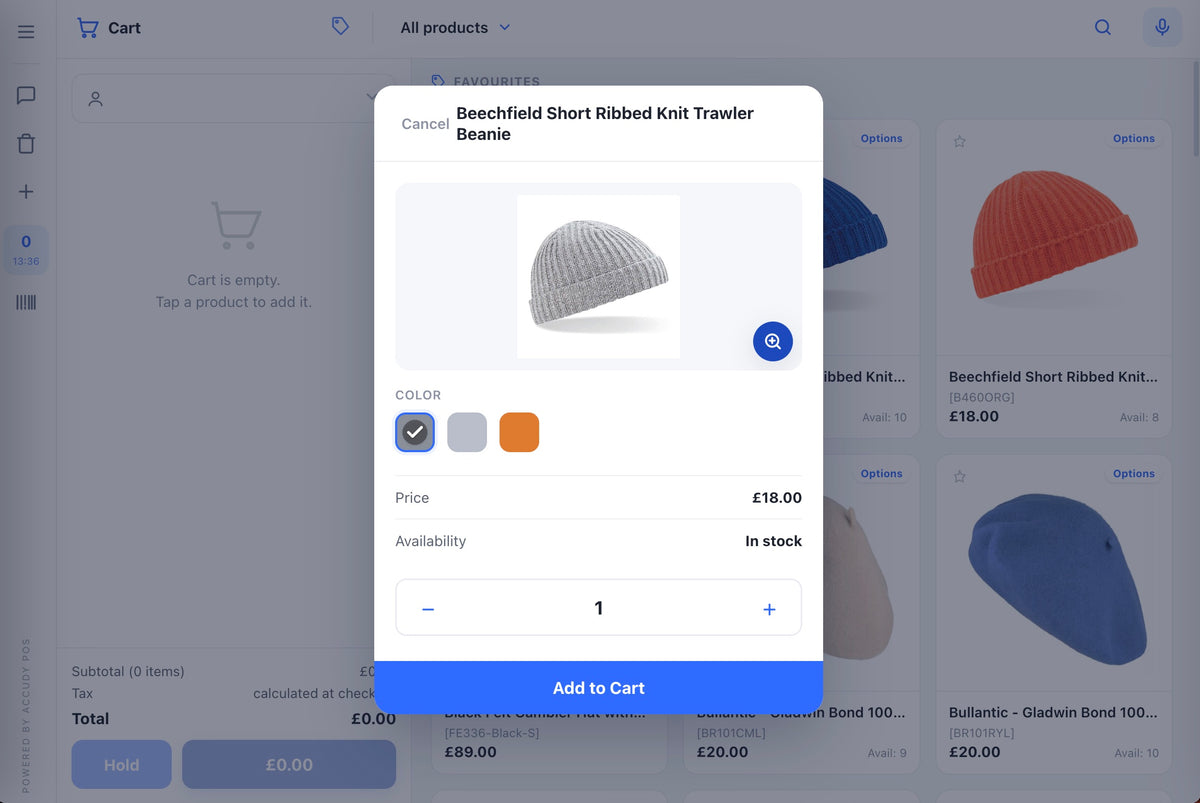
A full-screen product grid with live stock and their pricing. Variant picker with swatches and sizes. Predictive search and voice search.
The dashboard works out each product's buying cycle from their own order history and tells them what's due to reorder — quantities suggested, one tap to add. It's the first thing they see when they log in.
Nothing shows a price until a wholesale account signs in.
Quantities snap to case size and can't fall below your minimum.
Volume breaks show as they're earned, with a prompt when one more case unlocks the next one.
Quantities cap at available stock, so nothing oversells.
PO reference and VAT number are taken on the order, not chased afterwards.
Multi-site buyers pick their own company and their delivery location.
Anything needing a conversation goes out as a quote request instead of a checkout.
USB or Bluetooth scanner at a desk, phone camera in the stockroom, with a screen flash and a beep on every hit.
Park a half-built basket, deal with something else, pick it back up later.
On the device they're holding, by scanning a QR to pay from a phone, or by sending the payment link on to whoever in the business actually holds the card.
The terminal polls for completion, so the order lands in Shopify paid, with no invoice to raise or chase.
80 mm or 58 mm thermal, or A4 for the filing cabinet.
Live pickup availability per location, a collection point chooser, and notes for dates, drivers or PO references saved to the order.
Pair a tablet so a manager or a colleague can watch the running total and scan the pay code without leaning over the terminal.
CSV or branded PDF, and the CSV re-imports into the order pad, so a basket doubles as a quote to circulate internally.
The same theme covers a buyer ordering and paying from their own stockroom, a rep placing an order alongside a customer, and a trade counter where the customer rings themselves through. One install, one thing to learn.
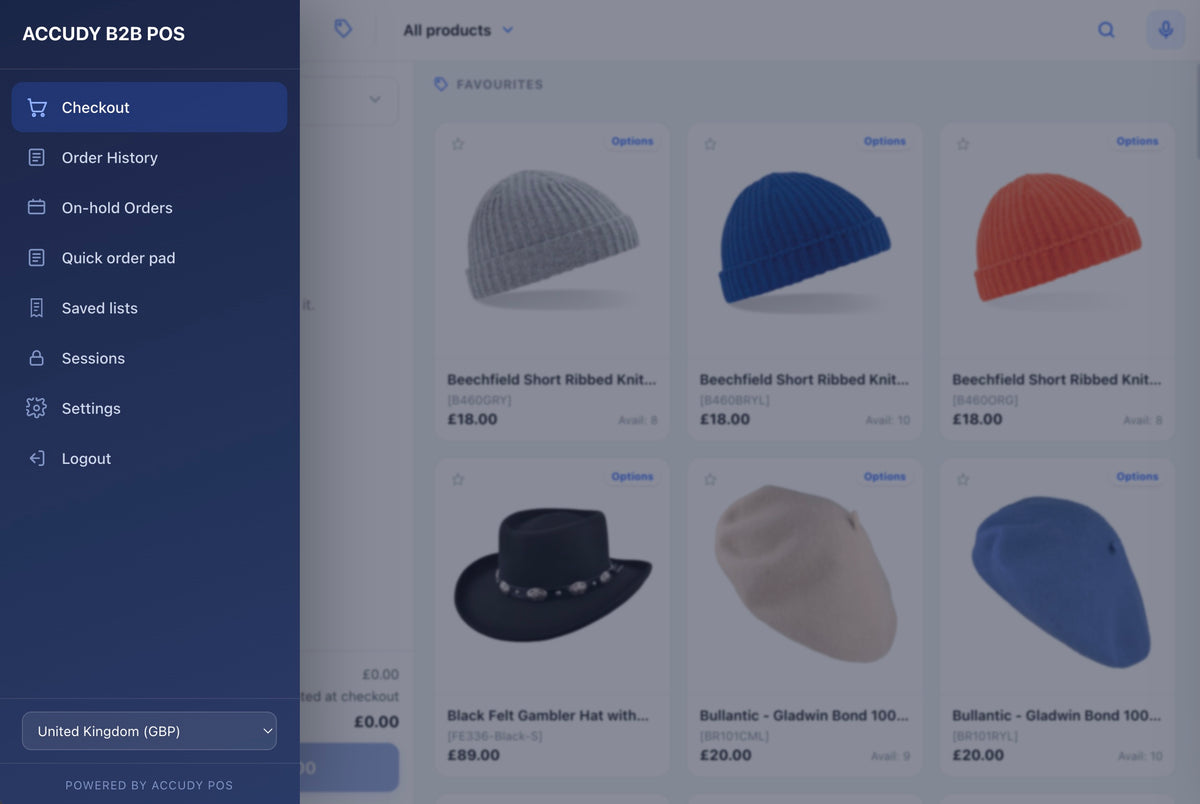
Tap a category to explore what's inside. Almost every feature has an on/off switch in Theme settings.
Five ways into the cart, all in one screen.
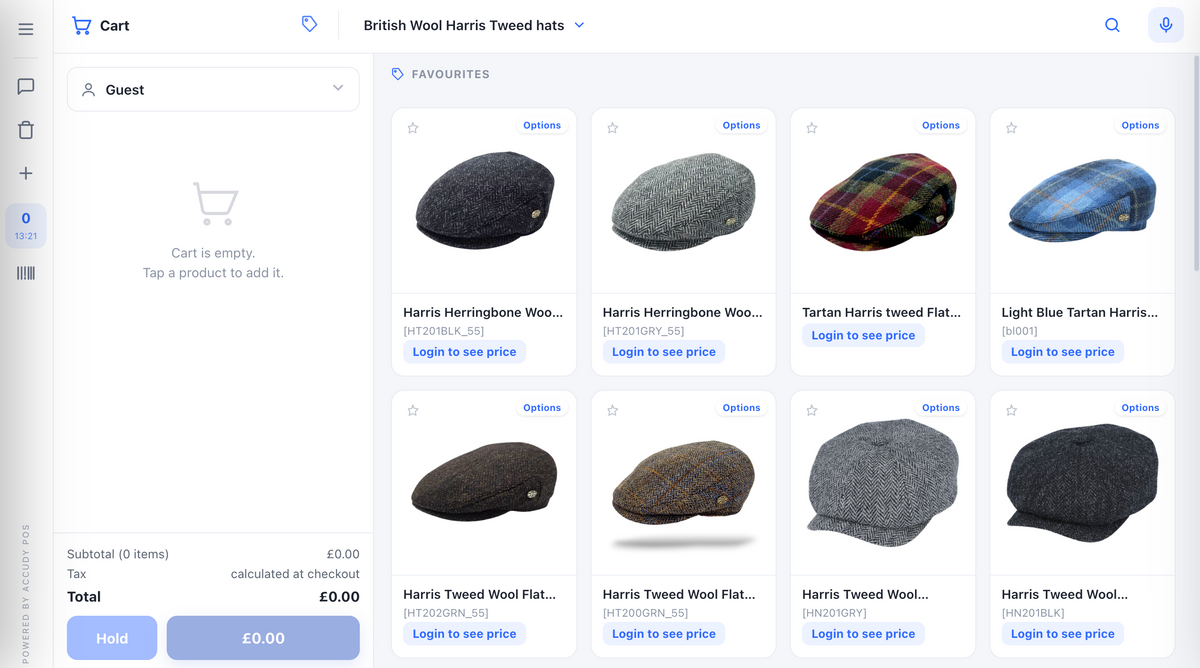
It tells them what's due before they ask.
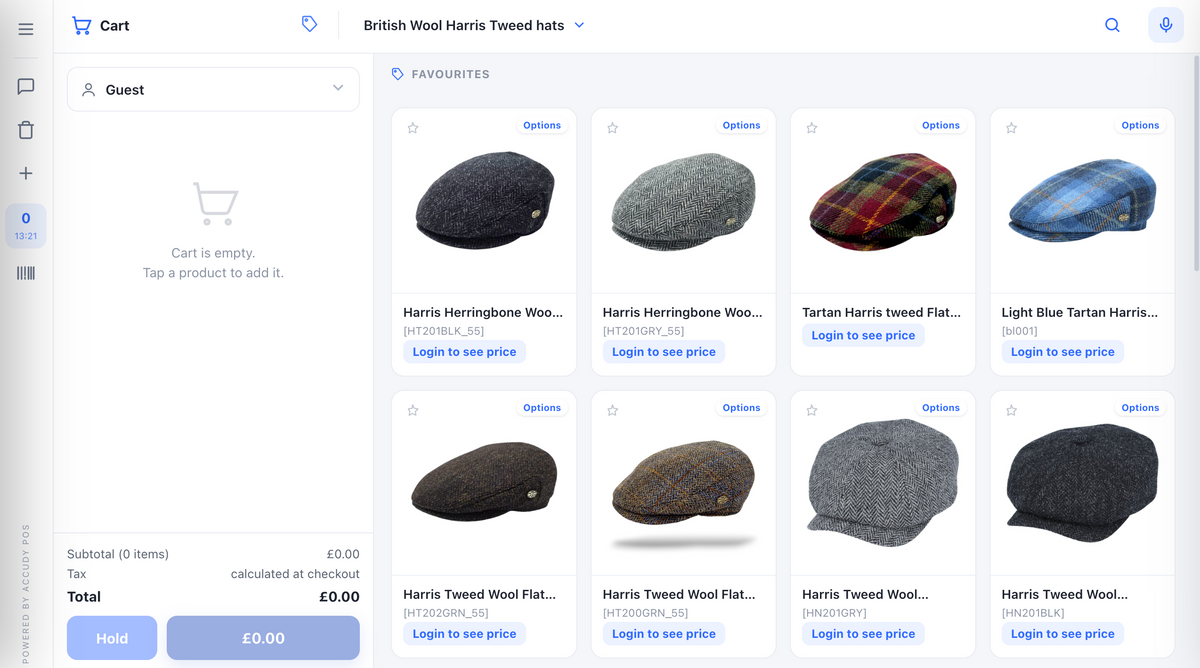
Desk scanner, Bluetooth or the phone in their pocket.
The rules hold with nobody watching.
They pay their way, you watch it land.
Everything after the tap.
Their own numbers, their own exports.
95 settings and a 17-step guide. No code.
Searchable, with full totals, refunds and addresses, and one-tap reorder from any past order.
Filter it, chart it, and export it as CSV or a branded PDF for their own accounts team.
Taken straight from Shopify's native balance and shown on the dashboard and in the cart.
Installs on a phone or tablet, fullscreen, so ordering is one tap from the stockroom floor.
95 settings, a 17-step built-in guide, and every asset bundled in the theme.
Anything else? Every purchase comes with 30 days of free support — ask us anything while you are getting it running.
It's a real, deployable Shopify Liquid theme — sections, snippets, templates and locales. Everything runs inside the theme, so there's no monthly app fee and nothing loads from third parties at runtime.
Everything on this page for [price], bought outright and yours to keep, with two years of updates included. Prefer to settle it once? [price-lifetime] adds every update we ever ship.
Either way you get the full theme, every bundled asset, all 95 settings and the 17-step built-in guide, plus 30 days of free support. We also install it on your store for you, once, at no extra cost. One purchase covers two licences — your live store and a development store. We install it on your store for you, once, at no extra cost. No apps, no API, no monthly fee.
Yes. It uses the native scanner on Android/Chrome and a bundled decoder fallback so camera scanning also works on iPhone/Safari. It supports Code-128, Code-39, EAN-13/8, UPC-A/E, ITF, Codabar and QR, plus any USB/Bluetooth keyboard-type scanner.
Upload the theme and work through the built-in 17-step guide. There are no apps to install, no API keys to generate and no metafields to define — your case sizes, minimums and tiered pricing are configured in Theme settings, and every asset ships inside the theme.
That's what it's built for. Prices stay hidden until a wholesale account signs in, quantities snap to case size and cap at real stock, PO and VAT are captured on the order, and anything needing a conversation goes out as a quote request rather than a checkout. The same install also works with a rep alongside a customer, or as a staffed trade counter.
Yes — net-terms/invoice checkout, per-company catalogs, approval workflows and fully automatic remote-phone payment detection need Shopify's B2B plan or an Admin-API app, so they can't live in a theme. Everything else on this page ships in the theme.
Selfcheckout B2B WEBPOS is [price], bought outright — yours to keep, with every update from the next two years and 30 days of free support included, and we install it on your store for you — once, at no extra cost. After two years it keeps working; you just stop getting new versions unless you renew. Want it settled for good? The lifetime licence is [price-lifetime]. No apps, no API, no monthly fee.